Material Analytics

Material Analytics
The Material Analytics feature in EVOLVE Foresite provides administrators with interactive insights into material usage across projects, including quantities, lengths, and weights, with filtering and data control options. Material data is collected through Model Data Capture and is then displayed in interactive charts and dashboards.

When to Use
Material Analytics is useful for:
- Monitoring material usage across projects
- Analyzing quantities and trends over time
- Supporting project planning and forecasting
- Providing data-driven insights for decision-making
Requirements
- Users must be on EVOLVE version 9.4 or newer for data to populate
- Material data must be collected through Model Data Capture
Accessing Material Analytics
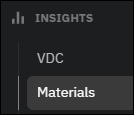
- Open EVOLVE Foresite
- Navigate to the Insights area
- Select Materials
- Material Analytics will now display the relevant interactive charts
Material Categories
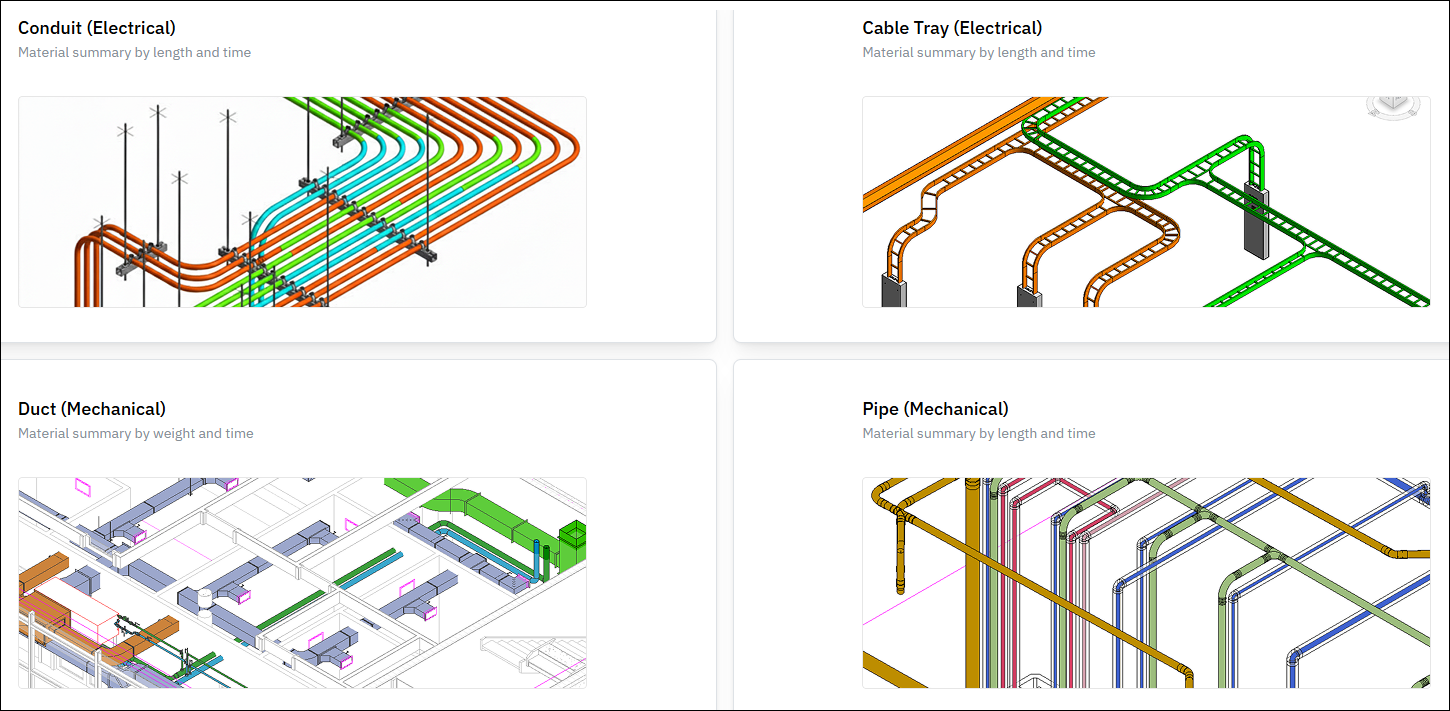
Material Analytics provides data for the following categories
- EVOLVE Electrical
- Conduit
- Cable Tray
- EVOLVE Mechanical
- Duct
- Pipe
Interactive Charts
Each material category includes interactive charts that allow users to:
- View totals by type or material
- Hover over values for detailed metrics
- Show or hide specific data points
- Analyze cumulative quantities over time
Examples include:
- Total Length by Type (Conduit, Cable Tray)
- Total Weight by Material (Duct)
- Total Weld Inches and Length by Material (Pipe)
Filtering Options
Material Analytics includes several filters to refine data:

- Display filters
- Project
- Levels
- Last Changed By
- Types
- Worksets
- Time Frame filters
- This Year
- This Month
- This Week
- Last Year
- Last Month
- Last Week
- Specific Data
- Date Range
- All Time
Settings
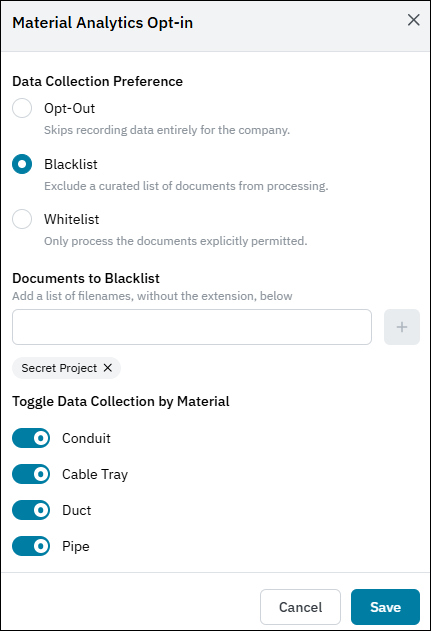
Administrators can control how data is captured and displayed:
- Opt Out – Disable material data collection
- Project Blacklist – Exclude specific projects from tracking
- Project Whitelist – Only track selected projects
- Material Toggles – Enable or disable specific material types
When entering project names for filtering, do not include file extensions.
